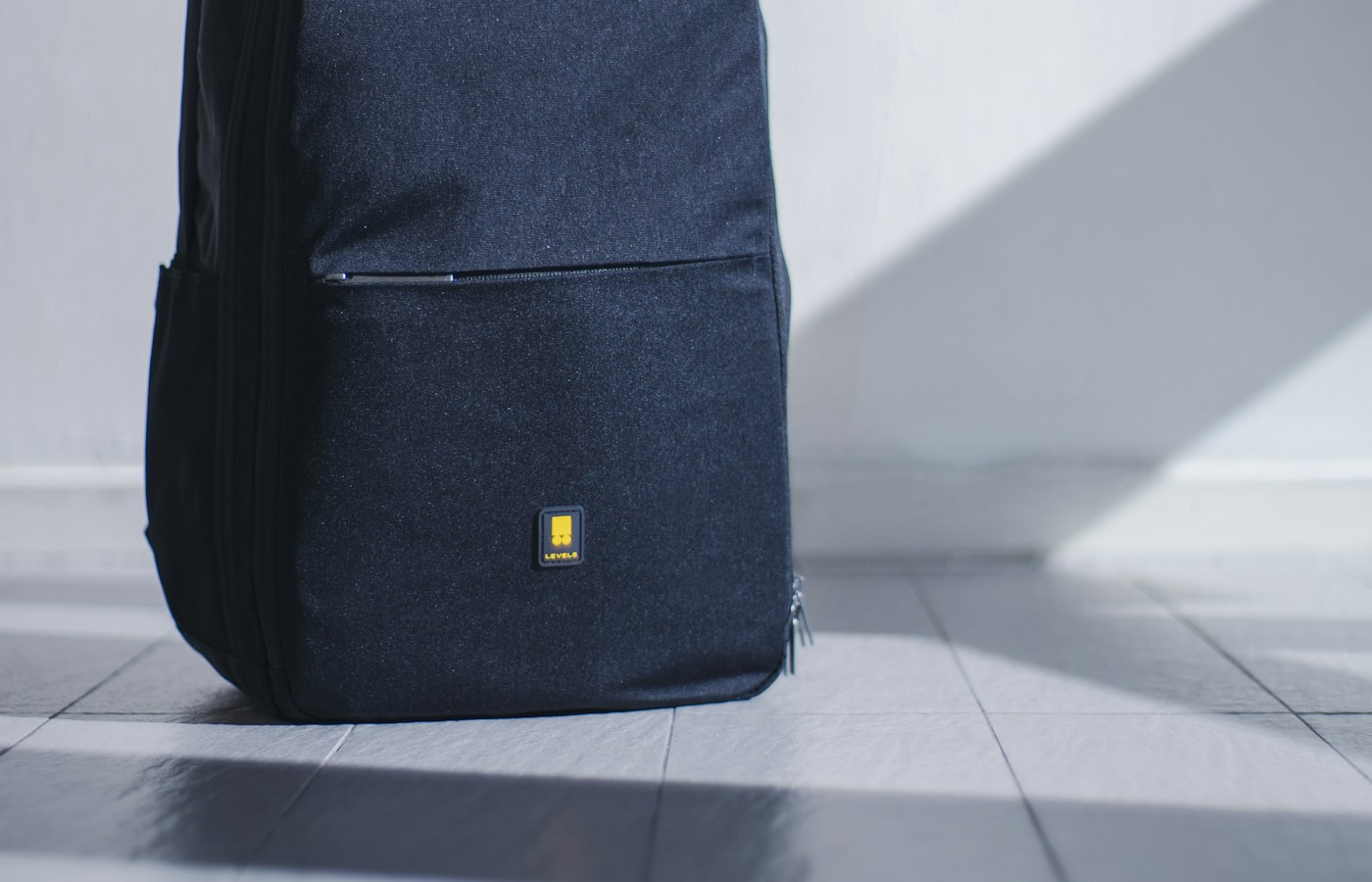
If your backpack has a suspended, padded laptop compartment that fits your device snugly, a second sleeve may add bulk without much benefit. A standalone sleeve can help when you switch between a tote and a backpack or place your laptop inside a larger shared bag.
What to compare before you buy
Measure the laptop including any case and compare the maker’s internal dimensions, not just the screen size. Look for a closure that will not scratch the device and a shape that slides into your usual bag.
A few details worth checking
Padding can reduce everyday bumps but does not make a device impact-proof or waterproof. Back up coursework regularly and follow your laptop maker’s care guidance.
A quick checklist
- Measure the space or bag where the item will live.
- Check your course and residence requirements before ordering.
- Compare current maker information, care instructions and return terms.
- Choose the option you will use in your real weekly routine.
Student needs differ by course, campus and living situation. Treat this guide as a starting point, and confirm any requirements directly with your school or the product maker.